
Newsgroup Image Collector (Legacy Version)
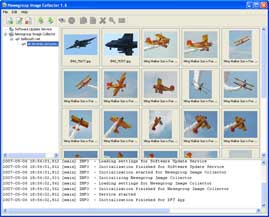
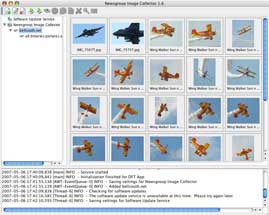
Newsgroup Image Collector (NIC)is the perfect tool for collecting images from Usenet newsgroups. NIC can search one or more newsgroups for images by scanning each posted message. When a message contains image content, the image is downloaded to your computer. You control which newsgroups to search and you can filter out unwanted images by using advanced filter settings.
DISCONTINUED
Development and updates are discontinued for this version.
Easy to use and packed with features
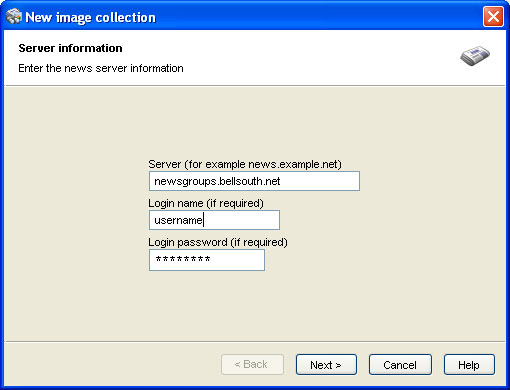
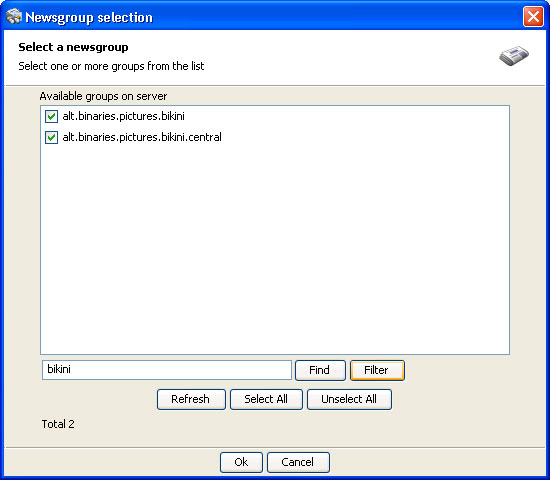
Using NIC is simple! First you will create a new collection by entering the address of a (NNTP) news server. Next you select from a searchable list the groups you wish to scan. Finally, must tell NIC where to save images and you are ready to go.
Always updated
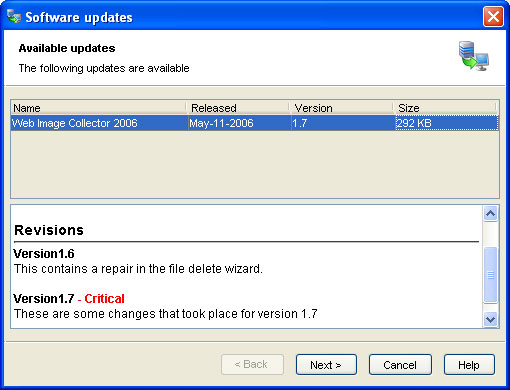
You will always have the latest update with our built in software update service. NIC includes free access to our update service which can upgrade your software with new features. The service will check for updates every 24 hours and will alert you if new updates are available. You have complete control of this feature and you can leave it on, or you can disable it and manually check for updates when you desire.
Full featured 15 day trial
NIC can be used for free up to 15 days. During the trial period, you can test drive NIC as a full featured product to see if you like it. After 15 days, the product will no longer function and you must activate it to continue using it.

- Download images from one or more groups on a news server
- Maintain a list of one or more news servers
- Download from multiple group messages simultaneously
- Preview images as thumbnails as they are downloaded
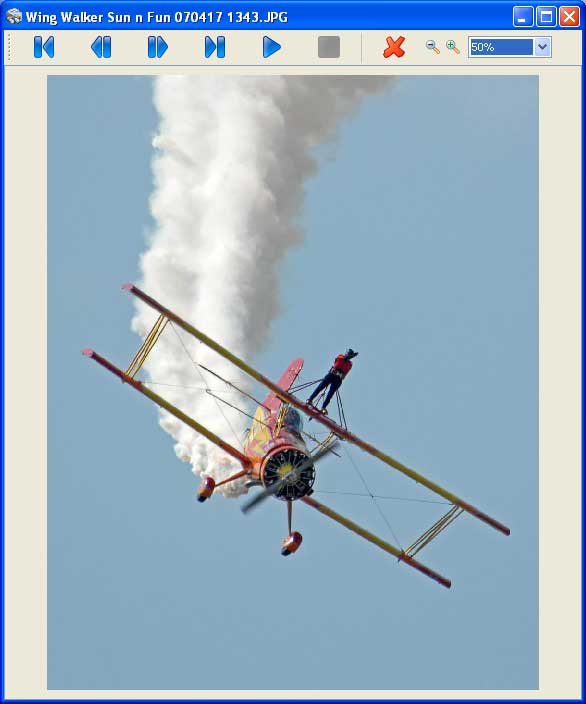
- Built in slide show with zoom features
- Realtime log information showing detailed progress of your search
- Proxy support for computers behind firewalls
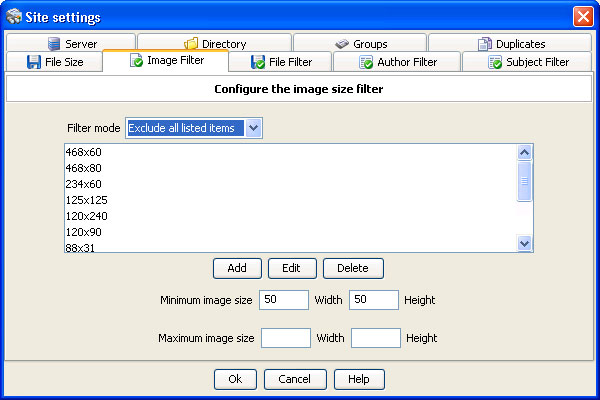
- Skip images smaller than a specified width and or height
- Skip images larger than a specified width and or height
- Skip images smaller than a specified file size
- Skip images larger than a specified file size
- Skip images that match common advertisement sizes
- Filter images by file extension
- Filter message subjects using keywords
- Access password protected newsgroup servers
- Manage your images during and after download
- Supports many gigabytes of images and thumbnails
- Save images in one directory or use a organized subfolder system
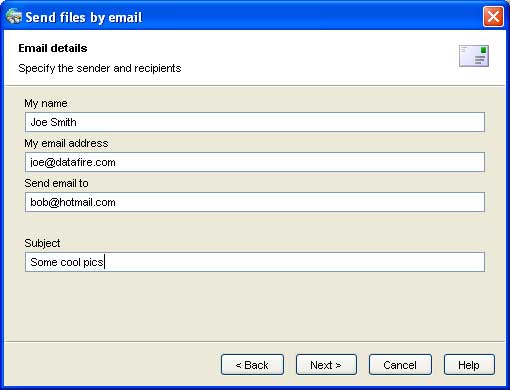
- Email images to friends
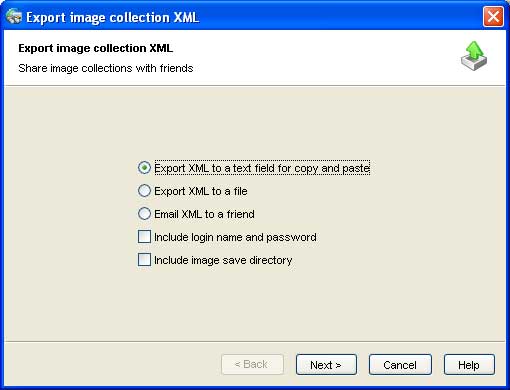
- Import and export collection settings to share with friends
- User interface supports English, Spanish, German, French, Italian and more
- Software update service brings you the latest version
|
Windows 32/64Self installing version for Windows 8 / 7 / Vista / XP. It will automatically install Java if needed. |
Download |

|
Mac OSX 32/64 bitManual install GZIP for Mac OSX version Mavericks / Mountain Lion / Lion / Snow Leopard / Leopard. Requires Java 6 or greater to be installed on your computer. |
Download |

|
Linux 32/64 bitManual install GZIP for Linux. Requires Java 6 or greater to be installed on your computer. |
Download |

|
Get JavaIf you do not have Java installed, please click this link to get the latest version. |
Get Java |